
revid.ai
Turns text prompts into complete vertical shorts with AI visuals, voice, captions, and editing, but final export is paywalled.
Strong at turning text into finished shorts, but the free plan stops at export.
- You want a text prompt turned into a complete vertical short with AI visuals, voice, captions, and music.
- You want an editor with multiple generation modes plus scene, script, and audio regeneration controls.
- You are fine upgrading if you need the final downloadable export.
- You need a fully free workflow with downloadable finished exports.
Our take
Revid.ai turned both benchmark prompts into complete vertical shorts with voice, captions, music, and editable scenes. The dashboard prompt produced a clear customer-support workflow, and the robot-intern prompt stayed on story, but a few scenes simplified details or added stray visual elements. The biggest constraint is the free-plan export gate: you can preview and edit, but downloading the finished video requires an upgrade.
In-Depth Review
Our detailed analysis of revid.ai — features, performance, and real-world testing.
Feature-by-Feature Breakdown
Text-to-Short-Form Video CreationWorking well▾
Feature tested: Text-to-Short-Form Video Creation
Result: Partial
Verdict: Working well
Expected behavior: On the customer-support dashboard brief and the tiny robot intern story, revid.ai turned text prompts into complete vertical shorts, parsing each brief into scenes and generating motion, transitions, and AI visuals. The outputs stayed on-topic and mostly coherent across scenes, though a few details drifted or were simplified.
Test case: Text prompt → Video file
Input type: Text prompt
Input used: Input artifact (Text prompt): INPUT
Observed output: Output artifact (Video file): The generated short followed the customer-support brief by showing messy email, chat, and WhatsApp messages being organized into one dashboard. — revid.ai_AnchorTask1_Dashboard_Output.mp4
Input artifact: Input artifact (Text prompt): INPUT
Output artifact: Output artifact (Video file): The generated short followed the customer-support brief by showing messy email, chat, and WhatsApp messages being organized into one dashboard. — revid.ai_AnchorTask1_Dashboard_Output.mp4
What changed: Text prompt transformed into Video file
Test case: Text prompt → Video file
Input type: Text prompt
Input used: Input artifact (Text prompt): INPUT
Observed output: Output artifact (Video file): The generated short followed the robot-intern brief by showing a startup team, mistakes, documentation, and improvement. — revid.ai_AnchorTask2_RobotIntern_Output.mp4
Input artifact: Input artifact (Text prompt): INPUT
Output artifact: Output artifact (Video file): The generated short followed the robot-intern brief by showing a startup team, mistakes, documentation, and improvement. — revid.ai_AnchorTask2_RobotIntern_Output.mp4
What changed: Text prompt transformed into Video file
Test case: Text prompt → Video file
Input type: Text prompt
Input used: Input artifact (Text prompt): INPUT
Observed output: Output artifact (Video file): The result was a finished vertical short with animated scenes, narration, captions, and transitions. — revid.ai_AnchorTask1_Dashboard_Output.mp4
Input artifact: Input artifact (Text prompt): INPUT
Output artifact: Output artifact (Video file): The result was a finished vertical short with animated scenes, narration, captions, and transitions. — revid.ai_AnchorTask1_Dashboard_Output.mp4
What changed: Text prompt transformed into Video file
Test case: Text prompt → Video file
Input type: Text prompt
Input used: Input artifact (Text prompt): INPUT
Observed output: Output artifact (Video file): The result was a finished vertical story video with animated scenes, narration, captions, and transitions. — revid.ai_AnchorTask2_RobotIntern_Output.mp4
Input artifact: Input artifact (Text prompt): INPUT
Output artifact: Output artifact (Video file): The result was a finished vertical story video with animated scenes, narration, captions, and transitions. — revid.ai_AnchorTask2_RobotIntern_Output.mp4
What changed: Text prompt transformed into Video file
Test case: Text prompt → Image
Input type: Text prompt
Input used: Input artifact (Text prompt): INPUT
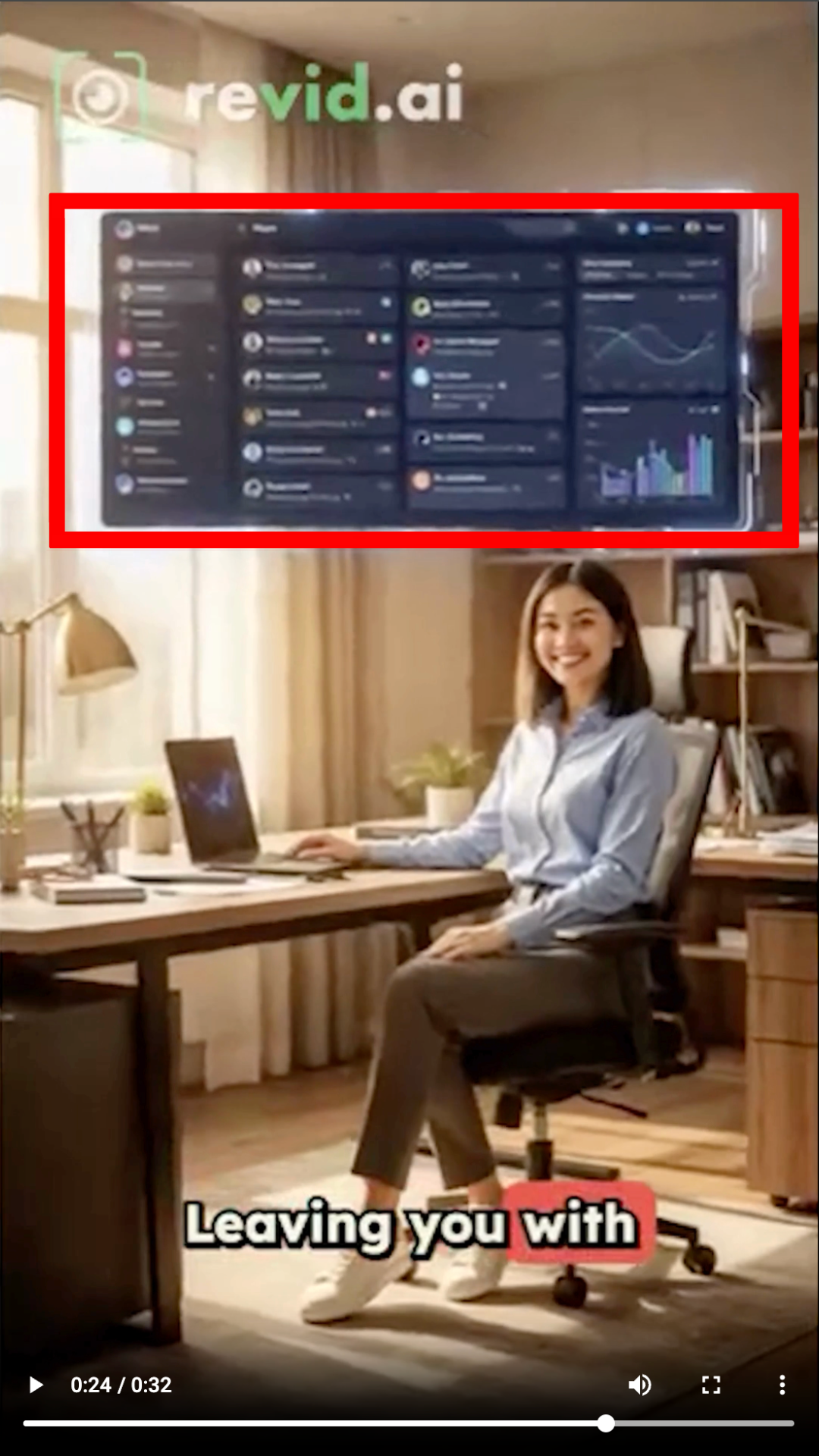
Observed output: Output artifact (Image): The final dashboard simplified several interface elements instead of preserving every communication channel. — revid.ai_Anchor1_simplified-dashboard-interface.png
Input artifact: Input artifact (Text prompt): INPUT
Output artifact: Output artifact (Image): The final dashboard simplified several interface elements instead of preserving every communication channel. — revid.ai_Anchor1_simplified-dashboard-interface.png
What changed: Text prompt transformed into Image
Test case: Text prompt → Image
Input type: Text prompt
Input used: Input artifact (Text prompt): INPUT
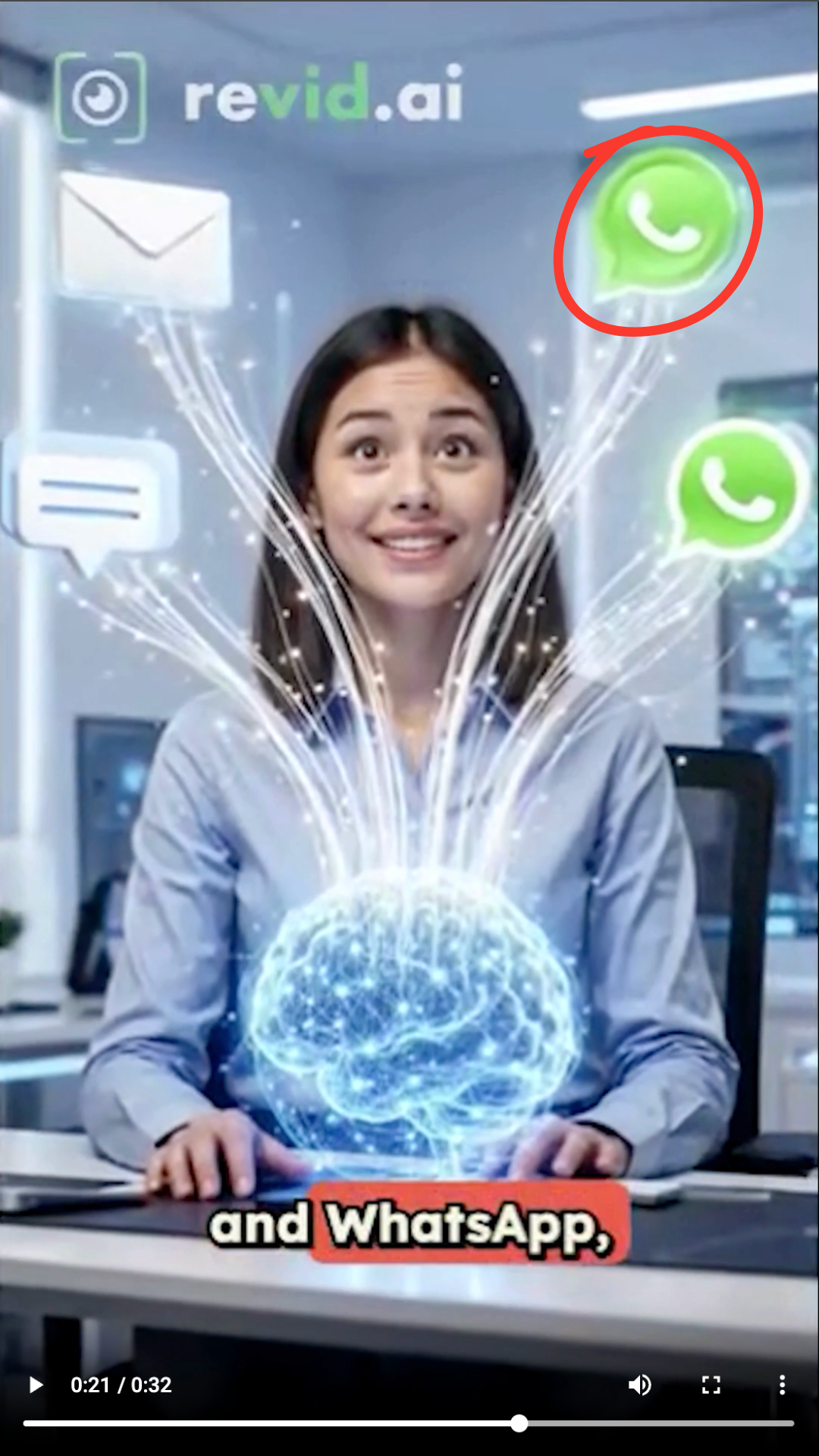
Observed output: Output artifact (Image): One messaging scene displayed an incorrect or duplicated messaging icon, reducing visual accuracy. — revid.ai_Anchor1_incorrect-messaging-icon.png
Input artifact: Input artifact (Text prompt): INPUT
Output artifact: Output artifact (Image): One messaging scene displayed an incorrect or duplicated messaging icon, reducing visual accuracy. — revid.ai_Anchor1_incorrect-messaging-icon.png
What changed: Text prompt transformed into Image
Test case: Text prompt → Image
Input type: Text prompt
Input used: Input artifact (Text prompt): INPUT
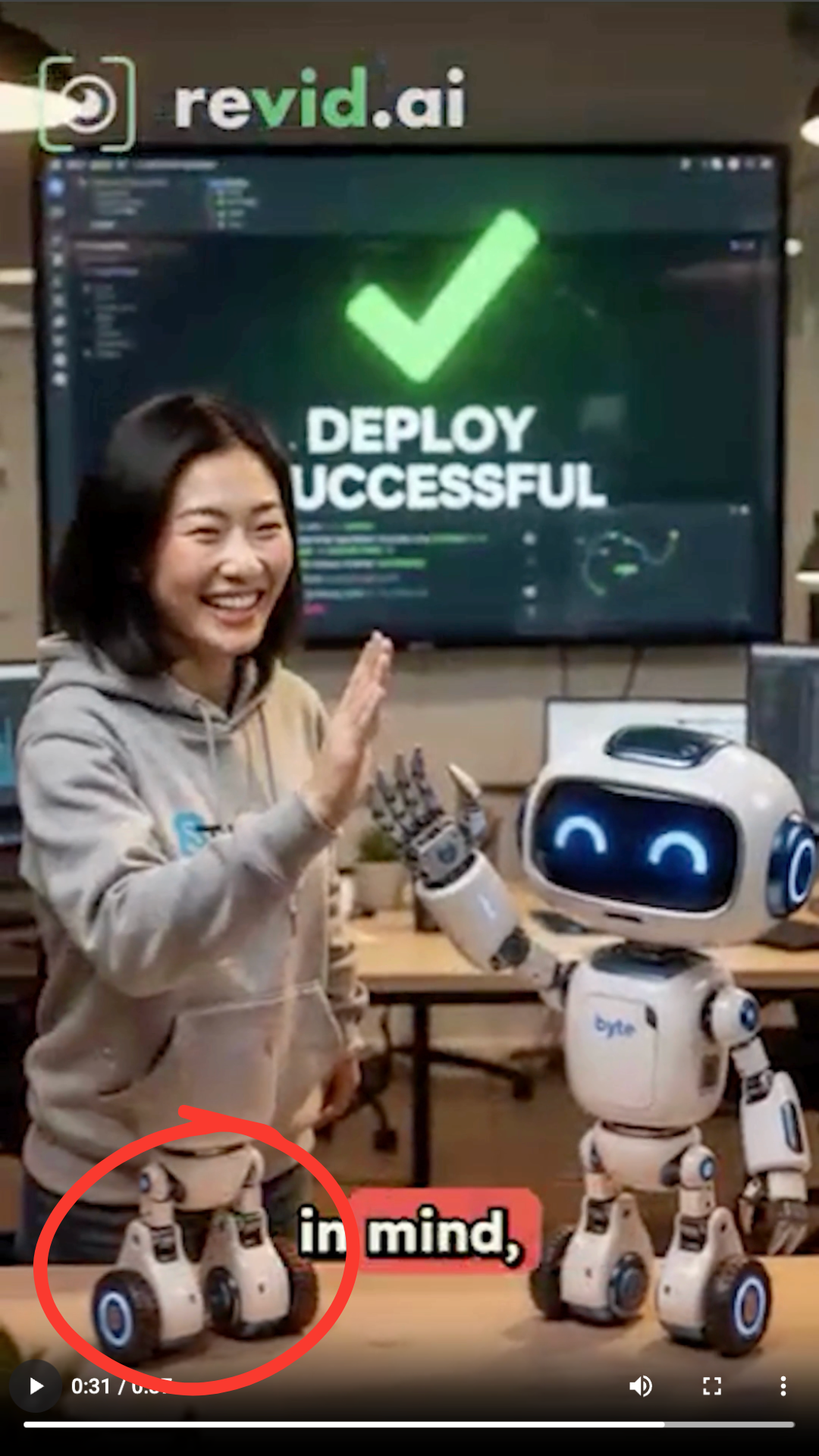
Observed output: Output artifact (Image): An additional robot appears even though the prompt describes only one robot intern. — revid.ai_Anchor2_Multiple-Robot-Characters.png
Input artifact: Input artifact (Text prompt): INPUT
Output artifact: Output artifact (Image): An additional robot appears even though the prompt describes only one robot intern. — revid.ai_Anchor2_Multiple-Robot-Characters.png
What changed: Text prompt transformed into Image
Test case: Text prompt → Image
Input type: Text prompt
Input used: Input artifact (Text prompt): INPUT
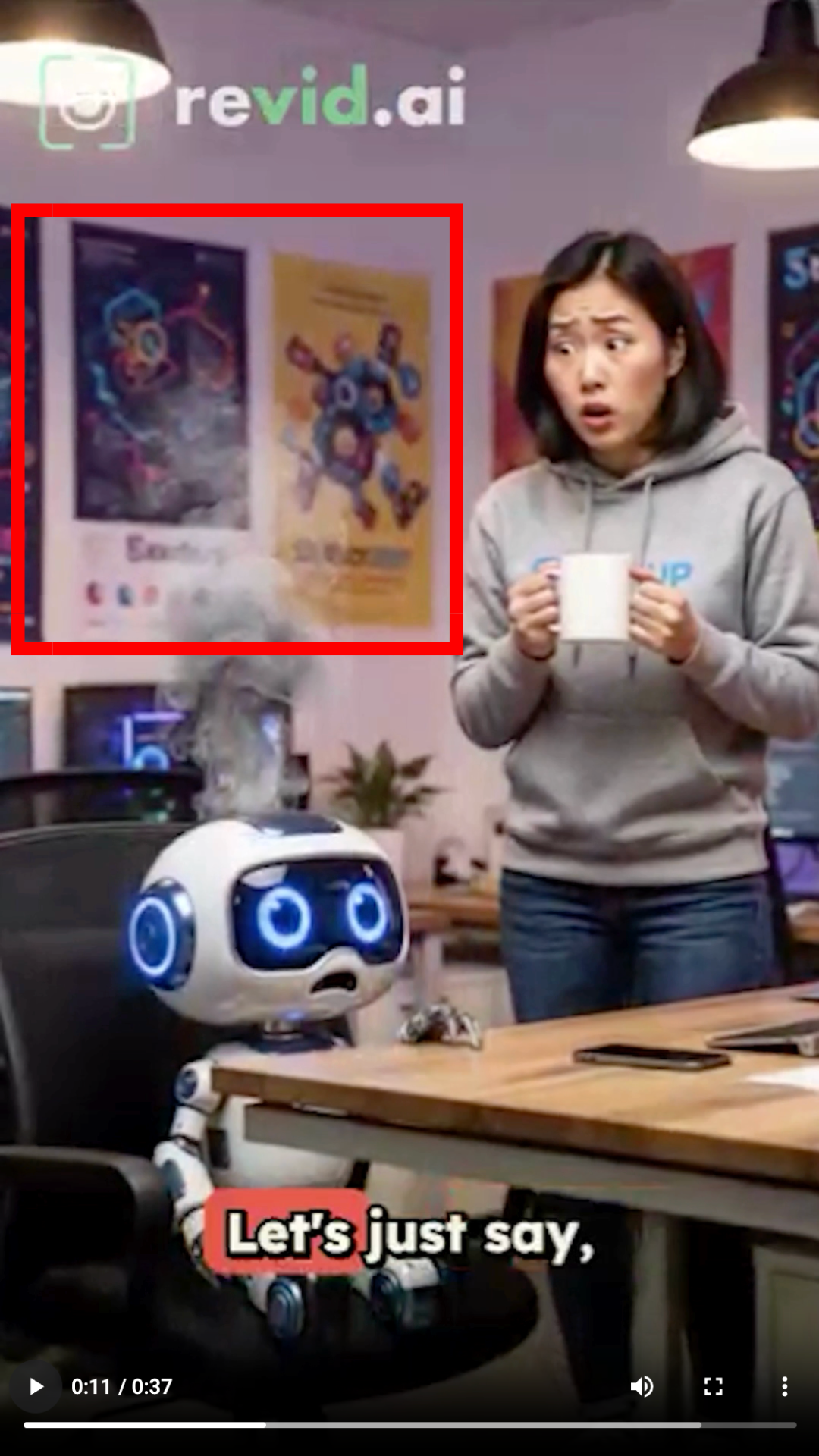
Observed output: Output artifact (Image): Some workplace scenes became generic office visuals instead of specifically illustrating the startup setting. — revid.ai_Anchor2_Generic-Office-Scene.png
Input artifact: Input artifact (Text prompt): INPUT
Output artifact: Output artifact (Image): Some workplace scenes became generic office visuals instead of specifically illustrating the startup setting. — revid.ai_Anchor2_Generic-Office-Scene.png
What changed: Text prompt transformed into Image
Why it matters / Conclusion: Both benchmark prompts were understood well enough to produce specific, on-topic storyboards and finished shorts.
On the customer-support dashboard brief and the tiny robot intern story, revid.ai turned text prompts into complete vertical shorts, parsing each brief into scenes and generating motion, transitions, and AI visuals. The outputs stayed on-topic and mostly coherent across scenes, though a few details drifted or were simplified.
Automated Script, Voiceover, and Caption AssemblyWorking well▾
Feature tested: Automated Script, Voiceover, and Caption Assembly
Result: Passed
Verdict: Working well
Expected behavior: Across both benchmark shorts, the tool automatically wrote narration, generated voiceover, and added captions so the spoken track and on-screen text stayed aligned. The evidence shows a reusable assembly function, not just a one-off test input.
Test case: Text prompt → Video file
Input type: Text prompt
Input used: Input artifact (Text prompt): INPUT
Observed output: Output artifact (Video file): The output included narration and captions that stayed aligned with the customer-support workflow scenes. — revid.ai_AnchorTask1_Dashboard_Output.mp4
Input artifact: Input artifact (Text prompt): INPUT
Output artifact: Output artifact (Video file): The output included narration and captions that stayed aligned with the customer-support workflow scenes. — revid.ai_AnchorTask1_Dashboard_Output.mp4
What changed: Text prompt transformed into Video file
Test case: Text prompt → Video file
Input type: Text prompt
Input used: Input artifact (Text prompt): INPUT
Observed output: Output artifact (Video file): The output included narration and captions that stayed aligned with the robot-intern story beats. — revid.ai_AnchorTask2_RobotIntern_Output.mp4
Input artifact: Input artifact (Text prompt): INPUT
Output artifact: Output artifact (Video file): The output included narration and captions that stayed aligned with the robot-intern story beats. — revid.ai_AnchorTask2_RobotIntern_Output.mp4
What changed: Text prompt transformed into Video file
Why it matters / Conclusion: The spoken and written story tracks stayed synchronized across both benchmark videos.
Across both benchmark shorts, the tool automatically wrote narration, generated voiceover, and added captions so the spoken track and on-screen text stayed aligned. The evidence shows a reusable assembly function, not just a one-off test input.
Background Music InsertionWorking well▾
Feature tested: Background Music Insertion
Result: Passed
Verdict: Working well
Expected behavior: In both generated shorts, revid.ai automatically added background music, and the report notes that the music can also be adjusted or replaced in the editor. This is a separate audio-layering capability from narration or captions.
Test case: Text prompt → Video file
Input type: Text prompt
Input used: Input artifact (Text prompt): INPUT
Observed output: Output artifact (Video file): The finished video included background music alongside the narration, captions, and motion scenes. — revid.ai_AnchorTask1_Dashboard_Output.mp4
Input artifact: Input artifact (Text prompt): INPUT
Output artifact: Output artifact (Video file): The finished video included background music alongside the narration, captions, and motion scenes. — revid.ai_AnchorTask1_Dashboard_Output.mp4
What changed: Text prompt transformed into Video file
Test case: Text prompt → Video file
Input type: Text prompt
Input used: Input artifact (Text prompt): INPUT
Observed output: Output artifact (Video file): The finished video included background music alongside the narration, captions, and motion scenes. — revid.ai_AnchorTask2_RobotIntern_Output.mp4
Input artifact: Input artifact (Text prompt): INPUT
Output artifact: Output artifact (Video file): The finished video included background music alongside the narration, captions, and motion scenes. — revid.ai_AnchorTask2_RobotIntern_Output.mp4
What changed: Text prompt transformed into Video file
Why it matters / Conclusion: Music was present in both benchmark outputs without requiring external audio work.
In both generated shorts, revid.ai automatically added background music, and the report notes that the music can also be adjusted or replaced in the editor. This is a separate audio-layering capability from narration or captions.
Scene Editing and Regeneration ControlsWorking well▾
Feature tested: Scene Editing and Regeneration Controls
Result: Passed
Verdict: Working well
Expected behavior: Before generation, the editor let users choose among multiple creation modes; after generation, scripts, captions, voiceovers, music, sound effects, media assets, scene prompts, and scene order could all be edited or regenerated. The card shows a broad post-production control surface.
Test case: Text prompt → Text prompt
Input type: Text prompt
Input used: Input artifact (Text prompt): INPUT
Observed output: Output artifact (Text prompt): Output
Input artifact: Input artifact (Text prompt): INPUT
Output artifact: Output artifact (Text prompt): Output
What changed: Text prompt transformed into Text prompt
Why it matters / Conclusion: This is one of the strongest parts of the product: it exposes a broad set of creation modes and post-generation controls.
Before generation, the editor let users choose among multiple creation modes; after generation, scripts, captions, voiceovers, music, sound effects, media assets, scene prompts, and scene order could all be edited or regenerated. The card shows a broad post-production control surface.
Video Export and Plan-Based Download ControlsLimited on free plan▾
Feature tested: Video Export and Plan-Based Download Controls
Result: Partial
Verdict: Limited on free plan
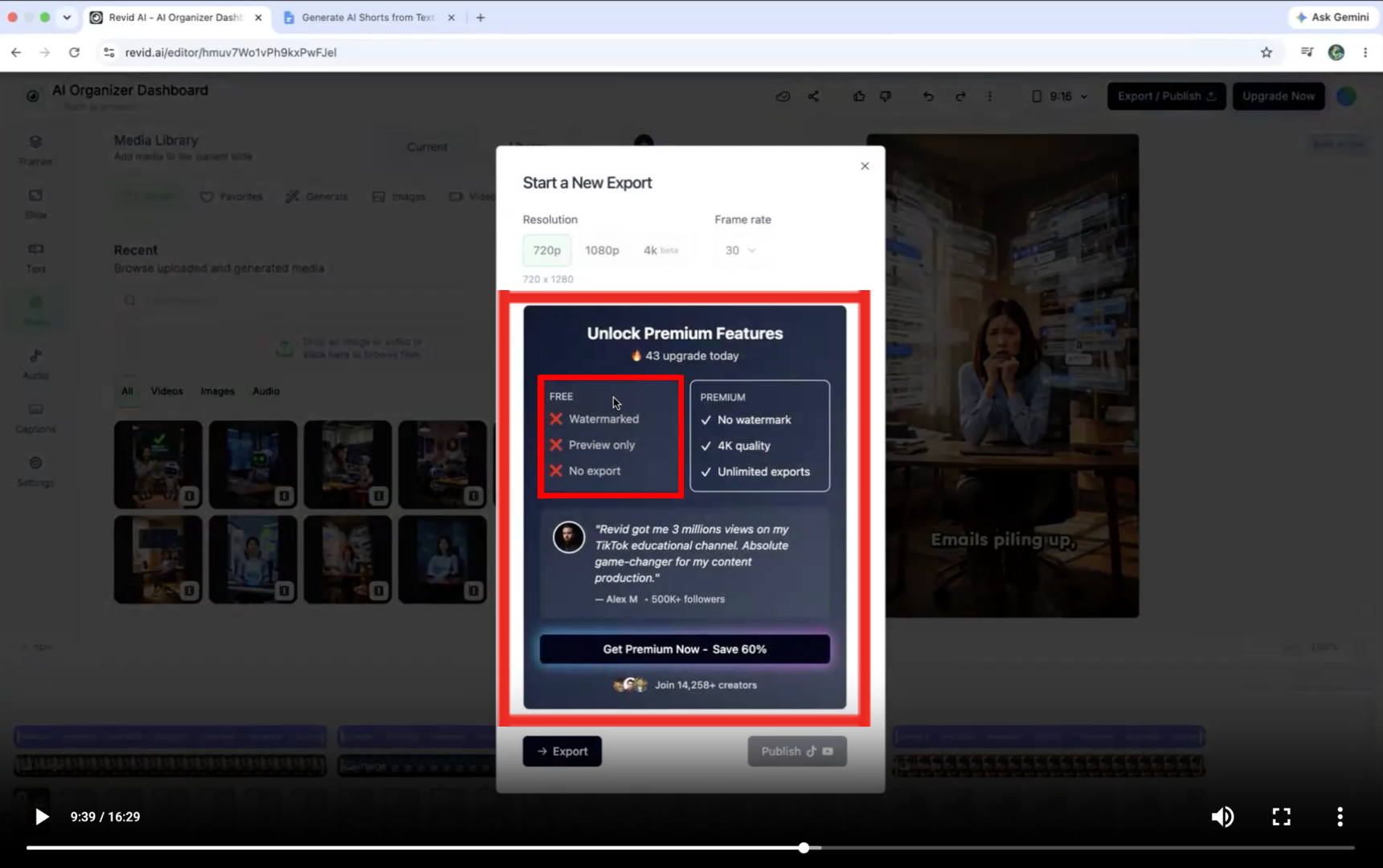
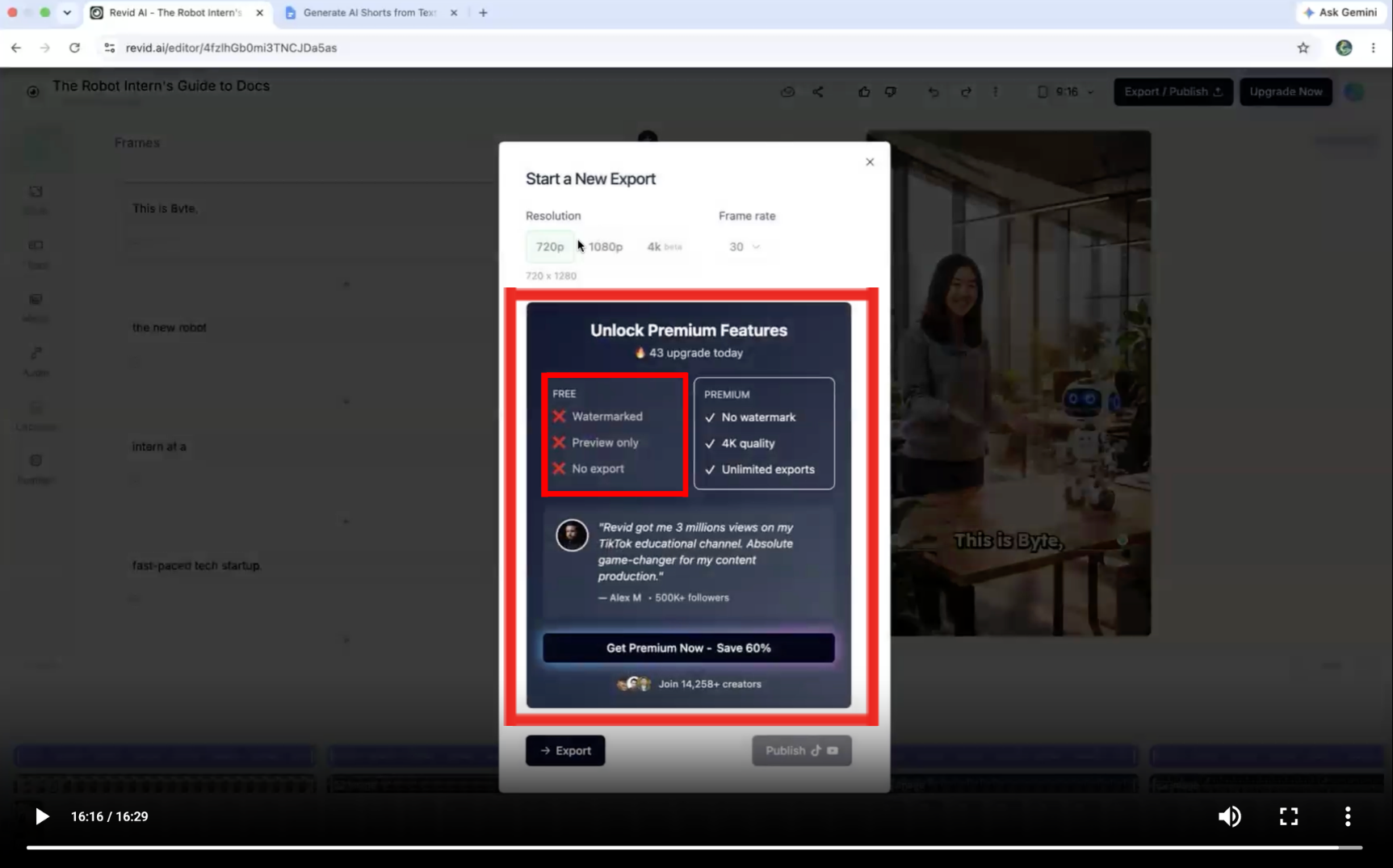
Expected behavior: The export modal exposed resolution choices and premium upsell language; free users were limited to preview/watermarked/no-export, while premium unlocked no-watermark output, 4K, and unlimited exports. This is a reusable export/download feature with plan gating.
Test case: Text prompt → Image
Input type: Text prompt
Input used: Input artifact (Text prompt): INPUT
Observed output: Output artifact (Image): The export modal compared free and premium access and showed the free side as watermarked, preview-only, and no-export. — revid.ai_Anchor1_export-restriction-free-plan.png
Input artifact: Input artifact (Text prompt): INPUT
Output artifact: Output artifact (Image): The export modal compared free and premium access and showed the free side as watermarked, preview-only, and no-export. — revid.ai_Anchor1_export-restriction-free-plan.png
What changed: Text prompt transformed into Image
Test case: Text prompt → Image
Input type: Text prompt
Input used: Input artifact (Text prompt): INPUT
Observed output: Output artifact (Image): The export modal again showed the free plan as preview-only/no-export while premium unlocked no watermark, 4K quality, and unlimited exports. — revid.ai_Anchor2_Export-Restricted-on-Free-Plan.png
Input artifact: Input artifact (Text prompt): INPUT
Output artifact: Output artifact (Image): The export modal again showed the free plan as preview-only/no-export while premium unlocked no watermark, 4K quality, and unlimited exports. — revid.ai_Anchor2_Export-Restricted-on-Free-Plan.png
What changed: Text prompt transformed into Image
Why it matters / Conclusion: You can prepare an export, but free users cannot download the finished video; paid plans unlock the final output.
The export modal exposed resolution choices and premium upsell language; free users were limited to preview/watermarked/no-export, while premium unlocked no-watermark output, 4K, and unlimited exports. This is a reusable export/download feature with plan gating.
Pricing & access
Benchmark testing used the free plan; paid tiers unlock export and premium AI features.
Pricing and access details were verified in June 2026.
Banner Preview
How the embed badge will look on your site

Embed HTML
Copy this code to your website source
Quick Integration Guide
- 1Copy the HTML code block above.
- 2Paste it into your site's HTML or CMS editor.
- 3Banner appears instantly on your page.
- 4Links back to your tool profile here.
Similar Tools
Discover more AI tools like revid.ai to enhance your workflow.
Comments (0)
Need a custom AI solution for this use case?
If you are looking to build a custom short-form video generation, script-to-video, or vertical shorts creation system for your business or internal workflow, email us at contact@futuresmart.ai.
Found something inaccurate or missing? We try to keep our AI research accurate and useful. If you found outdated information, an issue, or have a suggestion, email us at collaborate@aidemos.com.