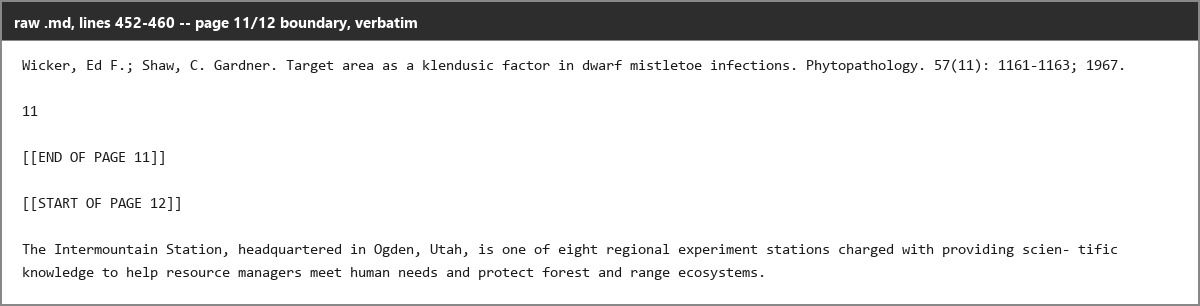
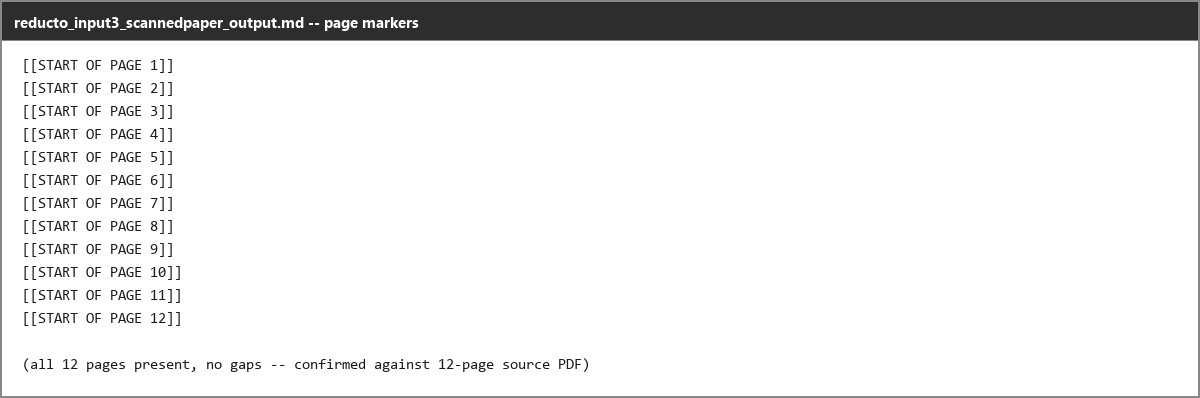
Converts all 12 scanned pages with no gaps; the page-11-to-page-12 handoff is preserved verbatim, and a separate page-marker output shows pages 1 through 12 present with no missing markers.
What was measured
Text & OCR Completeness
Extracts all readable content, including scanned pages, with accurate OCR and minimal omissions.
decisive for this rankingtransformation
If the tool misses readable text or fails on scanned pages, it has not actually converted the PDF faithfully into Markdown. (3 of 3 judges)
What was given, what came back
Test input: Scanned Research Paper · pdf · group: scanned-research-paper
Input — what we sent
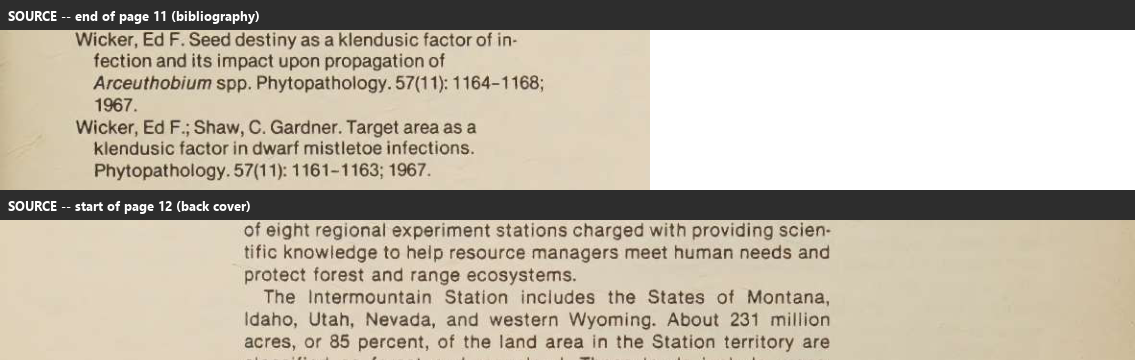
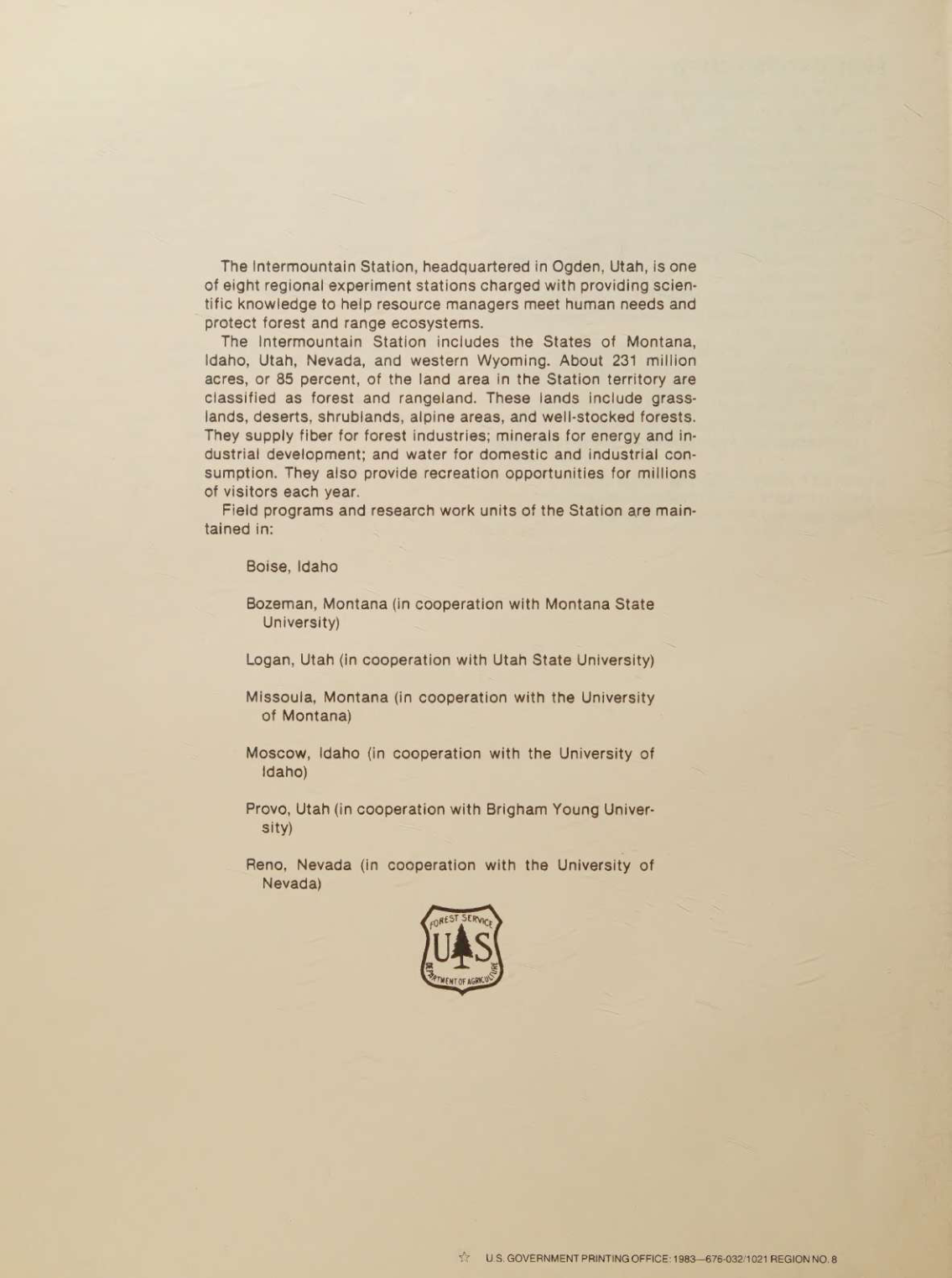
Scanned Research Paper
An image-only scanned research paper used to stress OCR and layout recovery in a multi-column academic document with figures, charts, tables, captions, and references.
Why this input is hard
- · OCR on scanned pages
- · Multi-column reading order
- · Figure and chart handling
- · Table reconstruction from scans
- · Caption association
- · Reference extraction
- · Overall document structure retention
Output — unretouched
Also checked on this input — same tool, 8 other criteria
Advanced Features✓ WorkedSchema-driven extract.run fully recovers the corrupted Table 4 rows, returning all 12 checked rows exactly, including the 10-inch-cut 1979 MPB row whose parse.run output was badly garbled.Advanced Features◐ MixedThe confidence signal flags the faint handwritten margin note and the garbled Table 4 as low confidence, but it misses the hallucinated 'USA' word in the title, which is still rated 0.9354 confident.Complex Document Handling⚠ StruggledHandles the 12-page scan in 10.6 seconds with no truncation, but the densest 17-column table has unreadable stretches with injected glyphs and run-on numbers.Markdown Quality✓ WorkedUses no invented tags or malformed markdown; the only HTML seen is legitimate <br /> inside table cells, so the syntax stays clean even though the document does not surface real heading markup.Reading Order & Structure⚠ StruggledDisplaces the byline by a full column: the author line that sits above the two-column split in the source is emitted only after the entire left column, and its footnote markers are rendered inconsistently.Table Preservation✗ FailedCatastrophically corrupts the dense 17-column Table 4, injecting non-Latin glyphs into numeric cells and producing run-on strings such as 238-563NT, 2231, and 8998 6 in the 10-inch and 12-inch blocks.Table Preservation◐ MixedPartially reconstructs Table 1: most of the roughly 90 numeric values are exact, but literal 0 values in the 12-inch column become blanks, one mean cell picks up stray digits (33.0 830000), and a row-label-only section header is broadcast across all six columns in one instance.Visual Content Retention✓ WorkedSegments a shield logo out of a single full-page raster scan and also retains Figure 1 as an image with an accurate synthesized caption; the returned logo crop is a tight 77x81px cut with legible shield text.
Provenance
- Observation
- b0876a41-66cd-455c-b38c-421968bf4e16
- Evidence run
- 6e3160de-fe46-4b45-b071-72560b5c5d0e
- Study
- Convert a Complex PDF into Clean Markdown with an API
- Research task
- 86b9h7t37
- Tested at
- not recorded
- Source
- first-party
- Evidence state
- verified
- Proof shown
- input + output shown
- Cost / latency
- not captured
- Repeat run
- not captured
- Tester
- not captured
The last three rows are honest blanks, not placeholders — our capture has no field for them yet.
Query this
get_evidence({
  tool: "reducto",
  scenario: "scanned-research-paper"
})
MCP · mcp.aidemos.com/api/mcp
Free with attribution.
Same input, same check — 8 other tools
measured on Text & OCR Completeness
Adobe API✓ WorkedRecovers the visible title, abstract, keywords, and opening paragraphs from a scanned USDA forestry report as dense OCR text.Extend AI◐ MixedDetects faint handwritten margin text, but only partially; the transcription shows 'USDA Semaine' and the remainder is treated as illegible.Landing AI◐ MixedOCRs most of the scanned cover-page text, including the agency header, report number/date, title, authors, abstract, and keywords, but inserts noisy tokens such as '186153' and 'USA/-' into the title line.LlamaParse✓ WorkedRecovers dense readable prose from a scanned page-image source, including the section heading and multiple long paragraphs.Mistral AI◐ MixedThe report says the parser recovers much of the underlying text from the scanned paper, but it does not present a measured completeness rate and the first-page hierarchy is still lossy.Nutrient.io✓ WorkedRecovers readable text from scanned pages, including the abstract, keywords, author affiliations, title, and opening paragraphs on the first page.PDFVector✓ WorkedSuccessfully parsed a 12-page scanned research paper and produced a long extracted-text preview in 20.6 s using 48 credits.Upstage AI✓ WorkedOCRs dense scanned prose successfully, capturing the ABSTRACT heading and multiple paragraphs of body text rather than only captions or labels.
This evidence is published in
Real inputs and real outputs, no retouching · every cell queryable via API & MCP · aidemos.com